A reputation is hard to build and easy to lose. Every detail on a product page reflects on the brand and the store selling it.
This guide is for brands and retailers who want listings that are complete, accurate and true to the media the manufacturer provides.
Where trust is won
- The right imagesFirst impressions matter, and the wrong image undermines trust fastest, especially on high-ticket parts.
- Complete contentShoppers expect the detail brands supply through ACES and PIES. Thin listings feel less credible.
- Features and benefitsBrands write them so retailers can sell the product well. Using them builds trust on both sides.
- Correct fitmentSelling a part that doesn’t fit wastes the shopper’s time and costs everyone in the supply chain.
1. Images
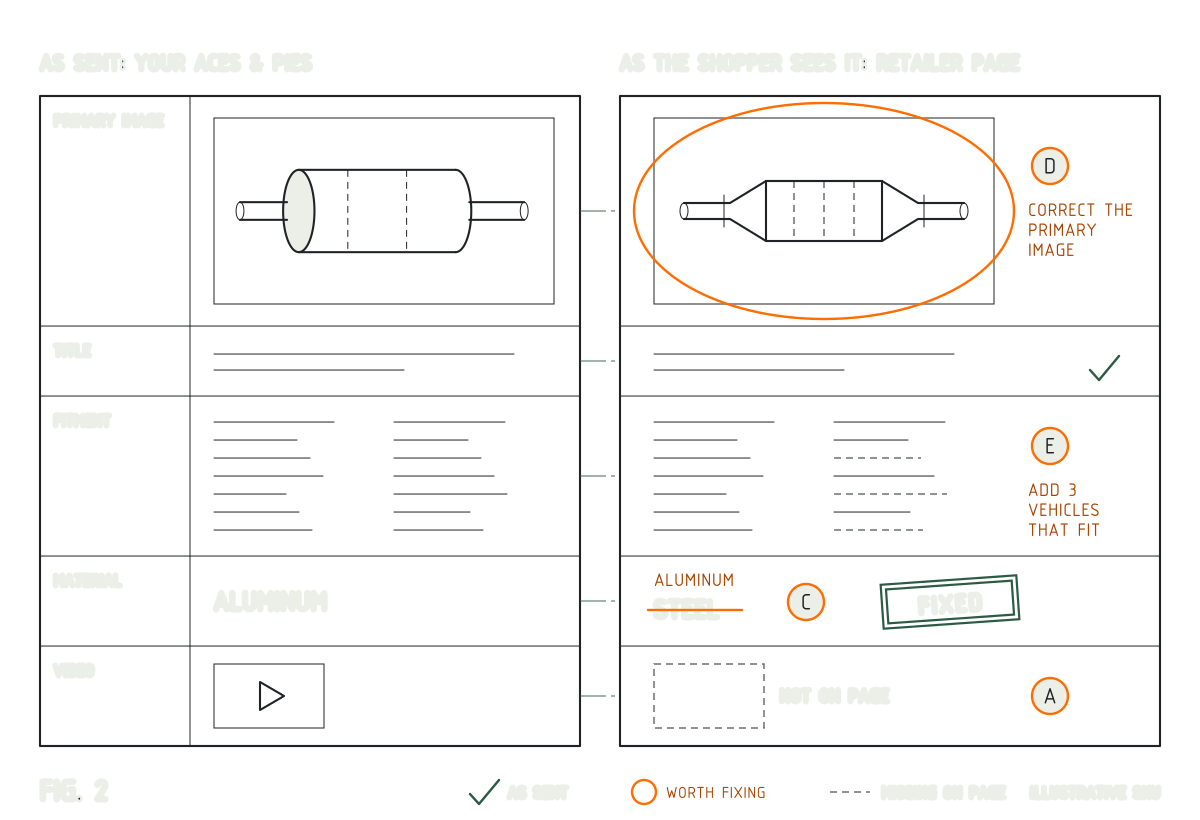
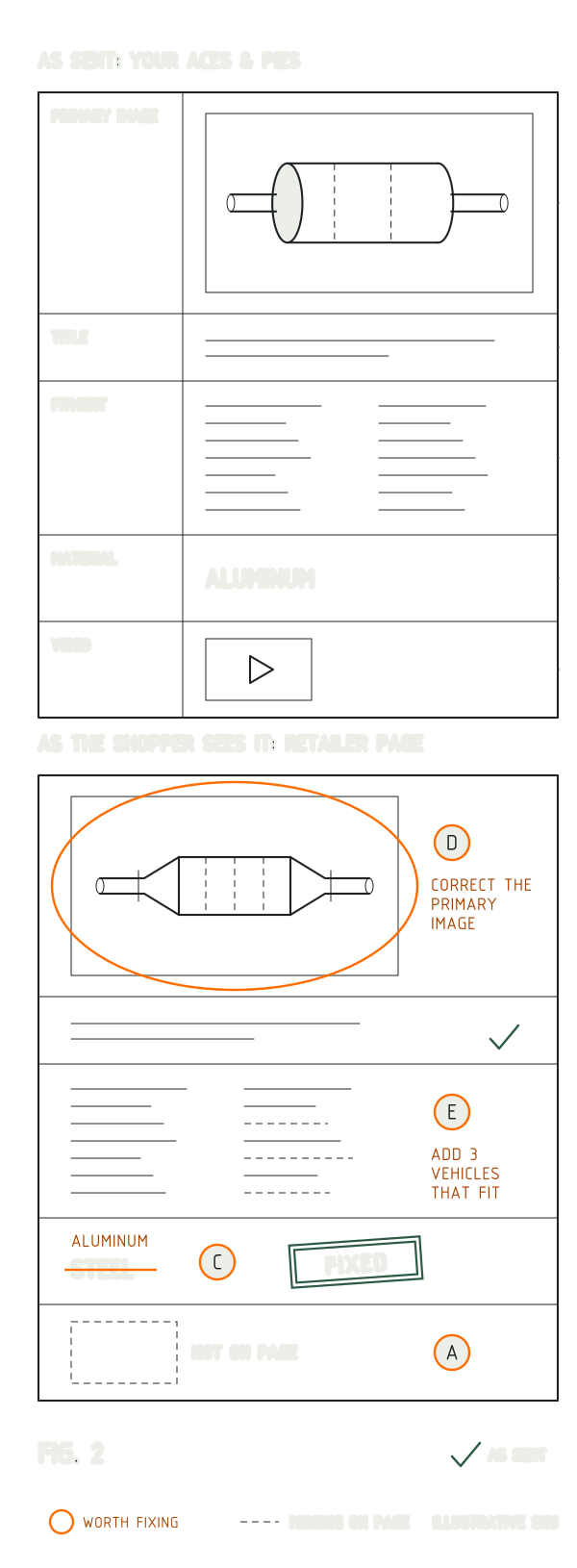
TVA shows you which SKUs have media worth fixing: whether the primary image shows the correct product, whether the brand’s videos are on the page, and how many media assets the page shows.
| SKU | Primary image | Video | Media assets on the page |
|---|---|---|---|
| A-1042 | Correct product | On the page | 4 |
| A-1105 | Not on the page | 2 | |
| A-1187 | Correct product | Not on the page | 9 |
Open a media comparison to tag a finding for later, or ignore it.
2. Content
TVA shows where attribute, feature and benefit data is missing or different, as a table and as CSV or JSON. Features and benefits use a traffic-light reading: green where the page matches, red where it differs, grey where it’s missing.
| Feature or benefit (PIES) | On the page |
|---|---|
| Mandrel-bent tubing for smooth flow | Matches |
| Polished stainless finish | |
| Direct-fit, bolt-on install | Missing |
| Limited lifetime warranty | Missing |
3. Fitment
When the ACES data says a part fits and the page doesn’t list it, that’s a sale and a shopper you can still win. Filter the severe issue view by “Missing Fitment” to find them.
| Status | As sent (ACES) | On the page |
|---|---|---|
| Missing | 2015 Ford Mustang GT 5.0L V8 | Not listed |
| Missing | 2016 Ford Mustang GT 5.0L V8 | Not listed |
| Missing | 2017 Ford Mustang GT 5.0L V8 | Not listed |
| Extra |
Build and share an action plan
Mark findings to fix or to ignore, and TVA builds an action overview report you can share with clients, partners or your team to get the data cleaned up.
| Area | SKUs audited | Findings | Suggested next step |
|---|---|---|---|
| Missing fitment | 24 | 1 | Send the corrected fitment to your data provider, with the CSV of SKUs. |
| Extra fitment | 24 | 3 | Remove the vehicles that don’t fit, using the CSV of SKUs. |
| Primary image | 24 | 2 | Replace it with the correct primary image, using the links to each SKU. |
Book a test drive
See TVA working on your own data. Book a demo, or send us up to 100 SKUs and we’ll check them for free.