SKU Deep Dive
Open any SKU to see every finding on its page, side by side with your data, and decide what to fix.
SKU by SKU
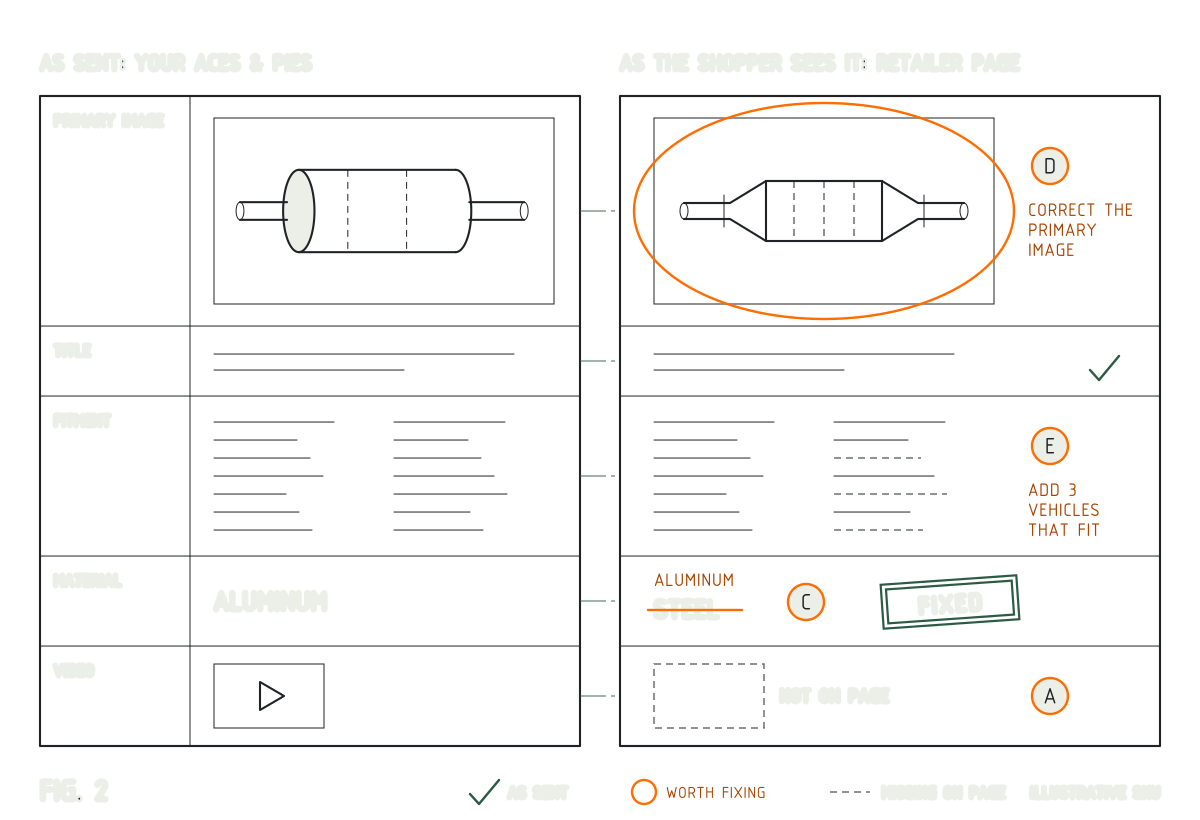
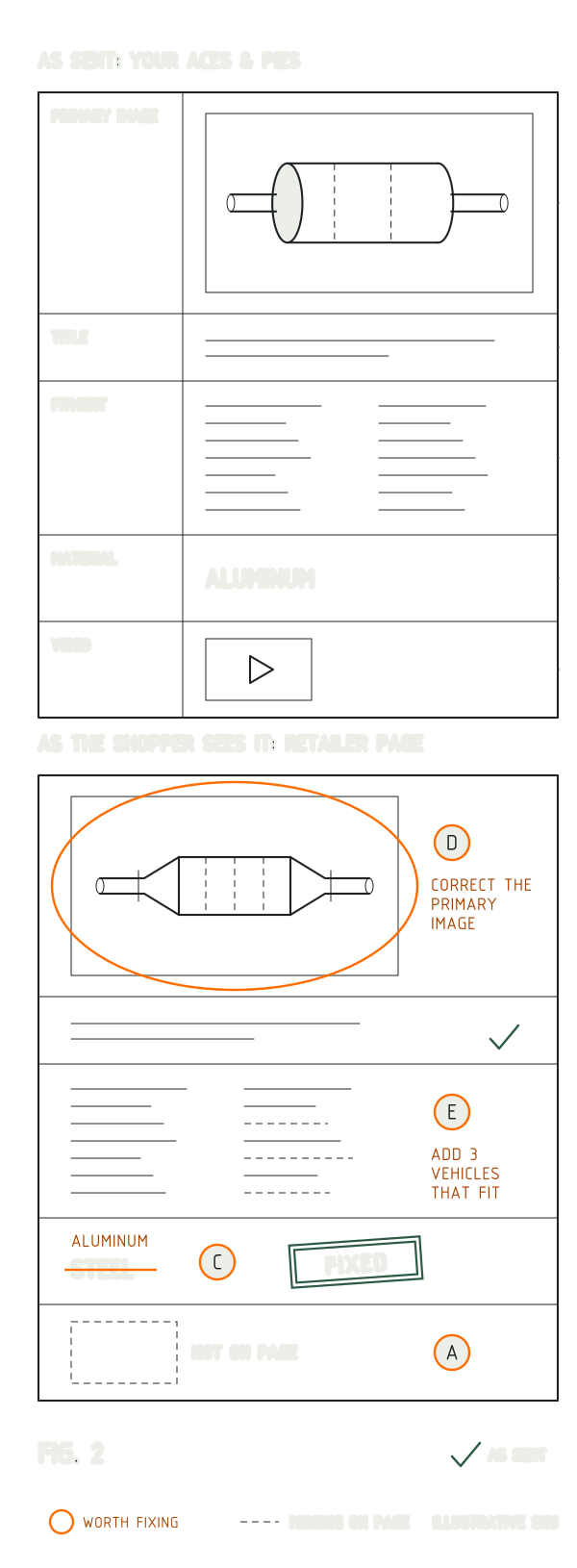
Every data point for the SKU, with the manufacturer’s value next to the value found on the page.
- Side by sideStandardized product data next to the page data, for an easy comparison.
- Tag to fix or ignoreMark each finding as needs fixing, or ignore it.
- JSON comparisonsThe same comparison, as JSON.
- ShareOnce findings are reviewed and marked, share a report card and action plan.
What’s in the SKU view
For every SKU, TVA reads these data points:
| Item | Data point | What TVA asks |
|---|---|---|
| 1 | Title | Is the title accurate, and close to the manufacturer’s suggested title? |
| 2 | Description | Is a description there, correct and meaningful, and close to the manufacturer’s? |
| 3 | Features & benefits | Does the listing carry the features and benefits in the manufacturer’s PIES? |
| 4 | Attributes | Does the page show the right attributes, such as size, finish and features? |
| 5 | Missing fitment | Is every make and model listed? TVA shows the ones that aren’t. |
| 6 | Extra fitment | Are makes and models listed that don’t fit? TVA shows them. |
| 7 | Primary image | Does the primary image show the correct product? |
| 8 | Video | Are the product videos on the page? |
| 9 | Asset count | How many media assets the page shows. |
| 10 | Price | The price on the page, audited and monitored. |
Book a test drive
See TVA working on your own data. Book a demo, or send us up to 100 SKUs and we’ll check them for free.